logo Fynq
About Pricing Year Make ModelYMM
Impact
Install  on your store Demo
About Pricing Year Make Model Impact
  • Manage filter list cover
    Creating Filters | Filters

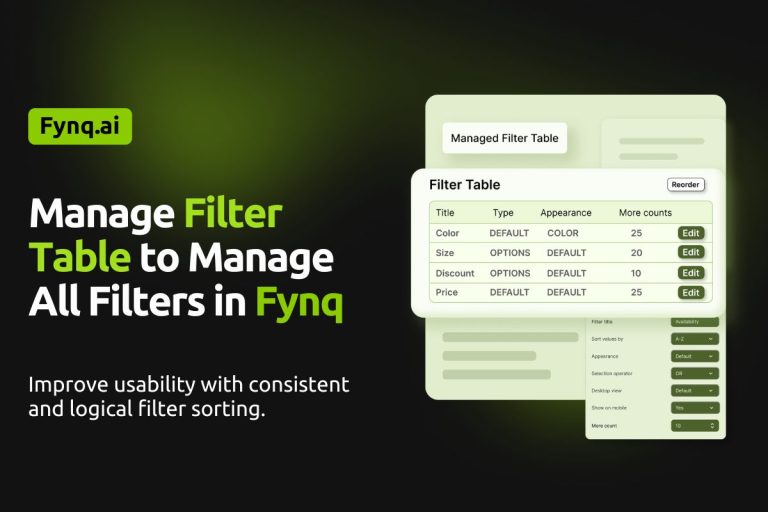
    How to Manage All Filters in One Place with Fynq?

    December 24, 2025February 17, 2026

    As your store grows, so does your list of filters. Some come from product options like size or color. Others…
    Read More How to Manage All Filters in One Place with Fynq?Continue

  • modify Sort-by formula for default filter  cover
    Creating Filters | Filters

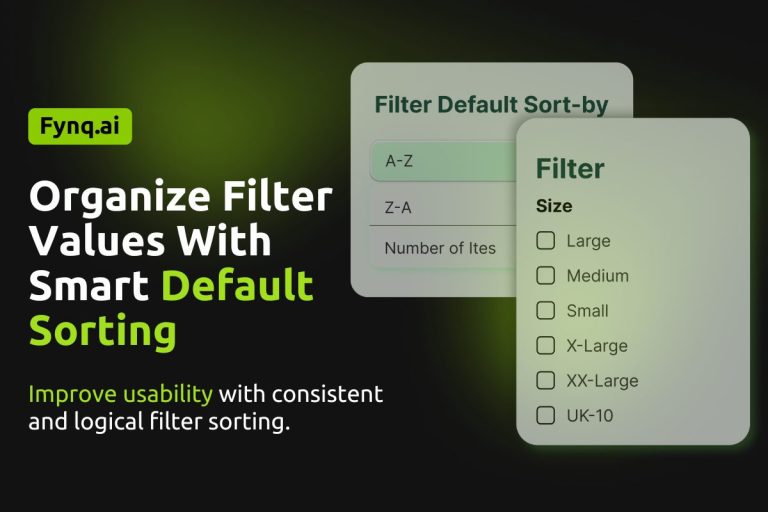
    How To Change the Default Sort Order for Filters in Fynq? 

    December 23, 2025February 17, 2026

    When customers open a filter like “Color” or “Size” in your store, the order of those values can impact what they see…
    Read More How To Change the Default Sort Order for Filters in Fynq? Continue

  • filters using metafields cover
    Creating Filters | Filters

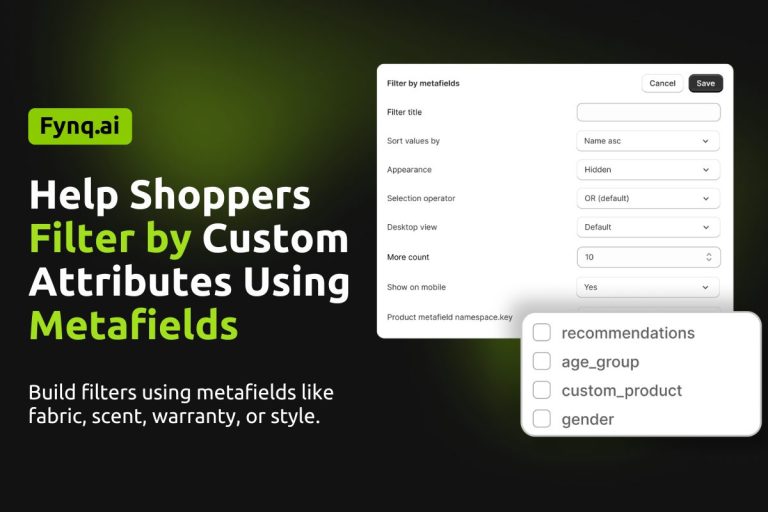
    How to Create Custom Filters Using Product Metafields in Fynq

    December 22, 2025February 17, 2026

    If you’re selling products with unique details, like fabric type, fragrance notes, warranty info, or style codes, you probably want those to appear as…
    Read More How to Create Custom Filters Using Product Metafields in FynqContinue

  • tag prefix-based filters cover
    Creating Filters | Filters

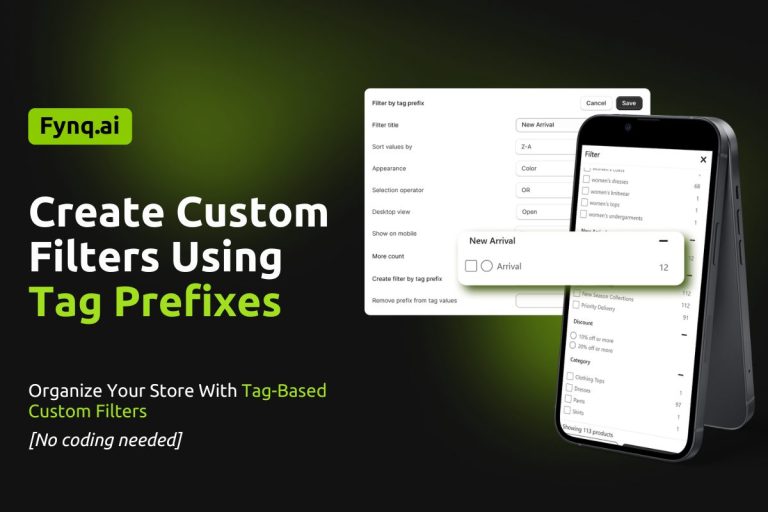
    How to Create Custom Filters Using Tag Prefixes in Your Shopify Store 

    December 21, 2025February 17, 2026

    Creating custom filters using tag prefixes is one of the smartest ways to give shoppers better control when browsing your…
    Read More How to Create Custom Filters Using Tag Prefixes in Your Shopify Store Continue

  • filters using product options cover
    Creating Filters | Filters

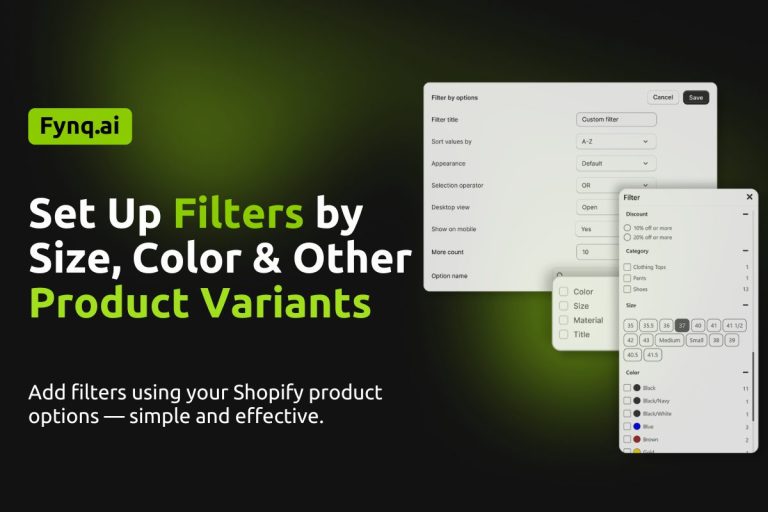
    How To Set Up Filters by Product Variants Like Size or Color?

    December 20, 2025February 17, 2026

    Filters like size, color, or style are what shoppers actually use to narrow down their search. If someone’s looking for a “Large Blue…
    Read More How To Set Up Filters by Product Variants Like Size or Color?Continue

  • Manage Product Cards on the Search Result Page
    Configuration | Search Result Page

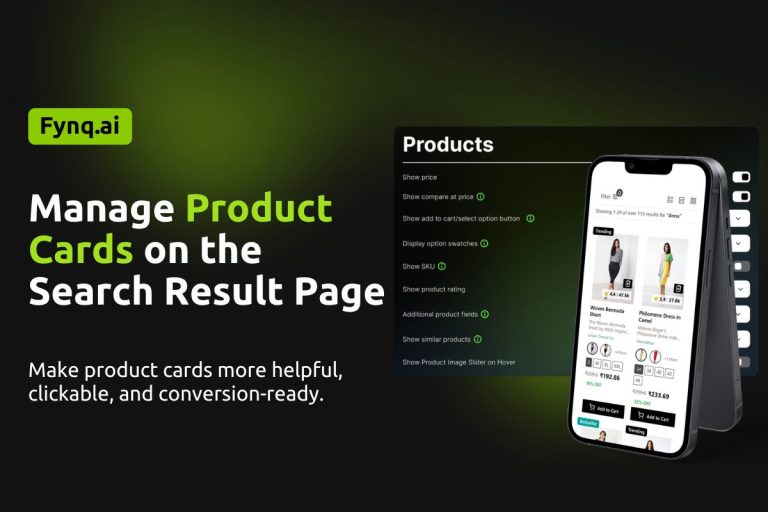
    How to Manage Product Cards on the Search Result Page

    December 19, 2025February 17, 2026

    When shoppers come to the search results page after putting in some text or keywords in the search bar, the search result page consists of product cards….
    Read More How to Manage Product Cards on the Search Result PageContinue

  • setting Contents for no-result pages cover
    Configuration | Search Result Page

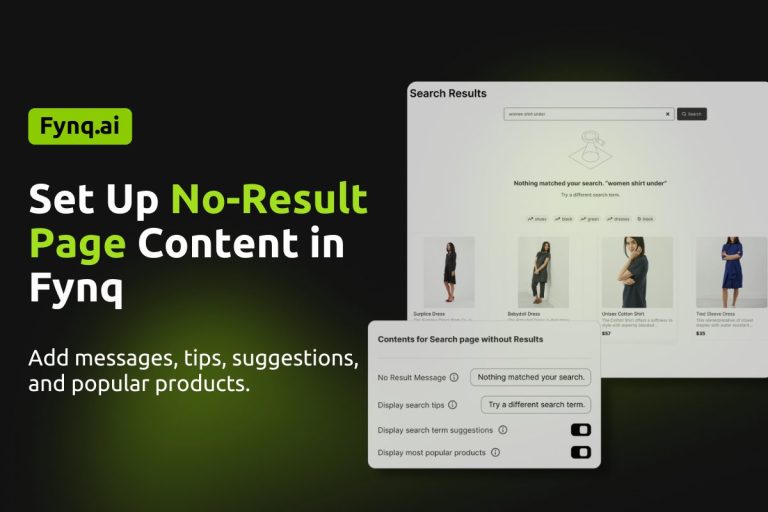
    How to Set Up the No-Result Page Content in Fynq 

    December 18, 2025February 17, 2026

    Sometimes, shoppers type something in the search bar and… nothing shows up. It’s not ideal, but it happens. Maybe the product doesn’t exist, or maybe the spelling was off. Either way, a…
    Read More How to Set Up the No-Result Page Content in Fynq Continue

  • handle zero-priced or hidden products cover
    Configuration | Search Result Page

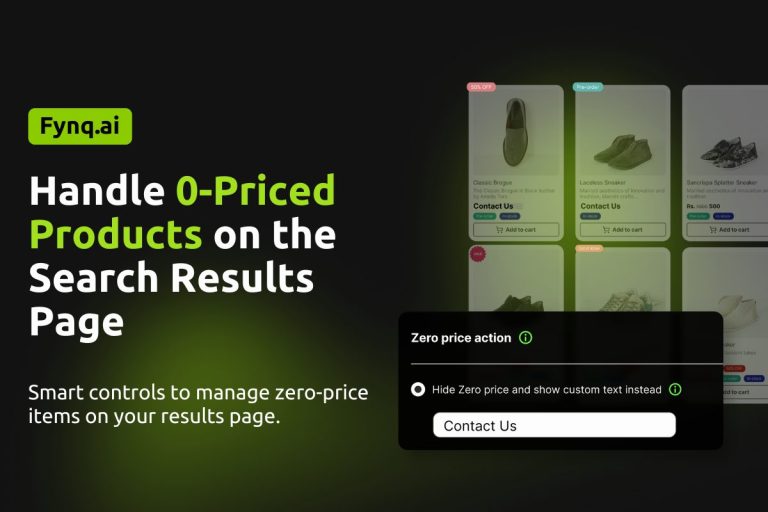
    How to Handle Zero-Priced Products on the Search Results Page

    December 17, 2025February 17, 2026

    When customers search and land on your results page, the product price is one of the first things they check….
    Read More How to Handle Zero-Priced Products on the Search Results PageContinue

  • main search results page cover
    Configuration | Search Result Page

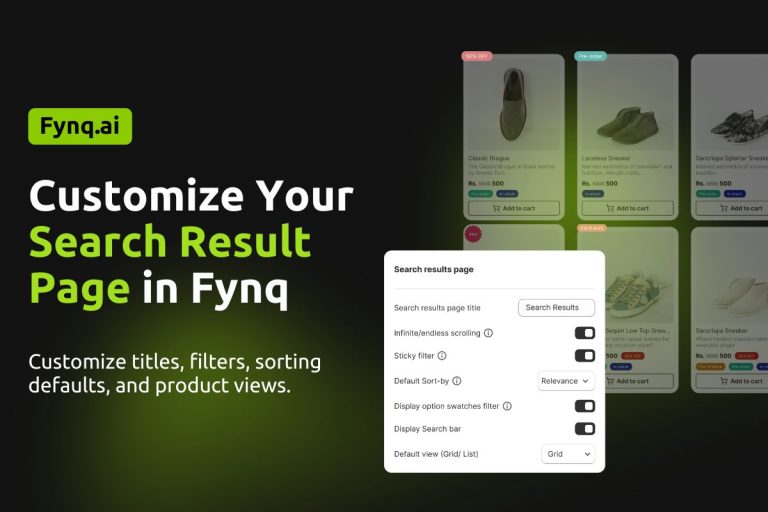
    How to Customize the Main Search Result Page in Fynq 

    December 16, 2025February 17, 2026

    Your search results page is often the first full view a shopper sees after typing a keyword. How this page…
    Read More How to Customize the Main Search Result Page in Fynq Continue

  • handle zero-priced or hidden products in ISW  cover
    Configuration | Instant Search Widget

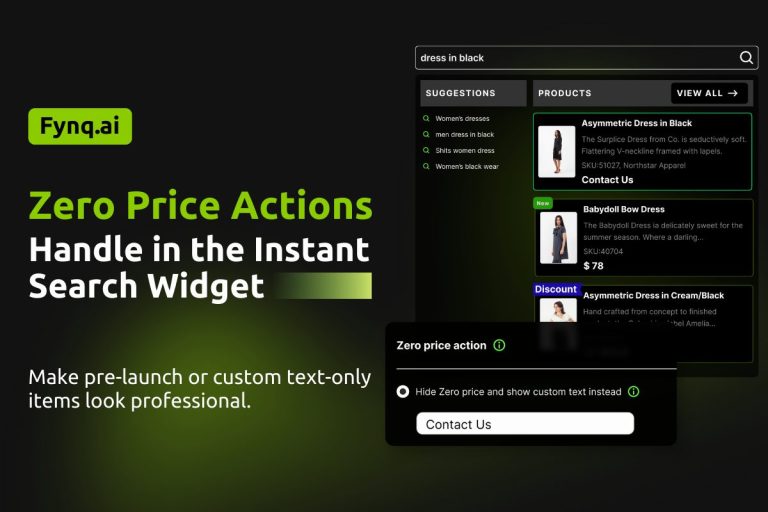
    How to Handle Zero-Priced Products in the Instant Search Widget

    December 15, 2025February 17, 2026

    In any online store, there are times when a product’s price is set to zero, either by choice or by mistake. You might be…

    Read More How to Handle Zero-Priced Products in the Instant Search WidgetContinue

Page navigation

Previous PagePrevious 1 2 3 4 5 6 … 8 Next PageNext

Enhance Your Store's Performance

Let’s Connect with

support@fynq.ai connect on whatsapp
Catalog
About Pricing Impact FAQ
Privacy Policy Support Change log
Location

GN 34/1, Sector V
Kolkata, West Bengal 700091