 Fynq
Fynq How to Inherit Instant Search Widget (ISW) Colors from Search Result Page (SRP)
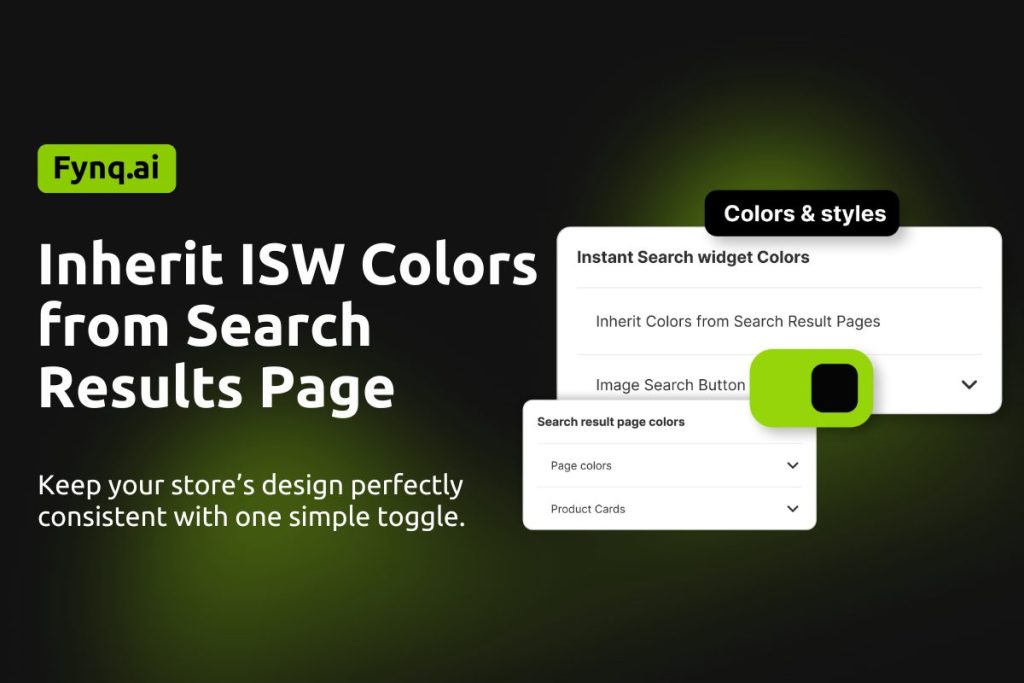
If you want your Instant Search Widget to match the design of your Search Result Page automatically, Fynq Image & Search AI makes it super easy with a one-step setting.
Table of Contents:
What Does ‘Inheriting Colors’ Mean?
When you enable this feature, the Instant Search Widget will copy all color styles from your Search Result Page. This keeps your store design consistent and saves you time from styling both sections separately.
The following color areas will be inherited:
- Widget background, text, and heading colors
- Suggestion list colors
- Search bar styling
- Product card colors (including title, price, and borders)
- Button colors and hover effects
How to Turn It On
- Go to Fynq Admin Panel > Configuration > Themes & Colors > Colors > Instant Search Widget Colors
- Find the toggle labeled “Inherit Colors from Search Results Page”
- Switch it ON
- Click Save
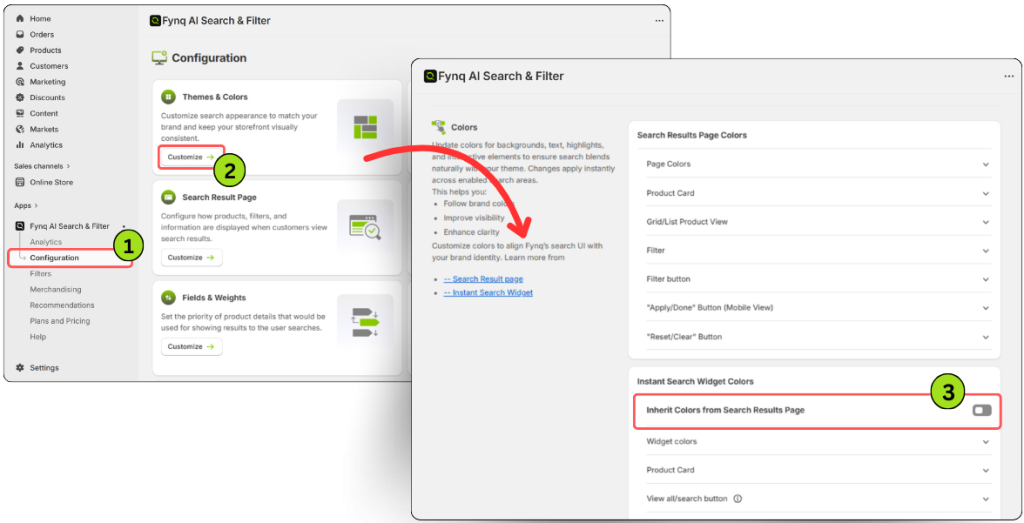
⚠️Once this is enabled, the manual color editing options (except ‘Image Search Button’) will be disabled, since your widget will now follow the styling of your Search Result Page
